Day 15 & 16 — Breaking & Repairing Walls
Platform: Meta Quest 3 (Unity) Genre: Mixed Reality Survival Shooter Theme: North Pole Containment / Thermal Defense
Overview
Tuesday and Wednesday were focused on making the environment interactive. I moved from having static walls to a system where the walls can actually break, and you have to repair the damage. Later on i want to make the enemies come in the room through these holes.
1. Breaking the Walls
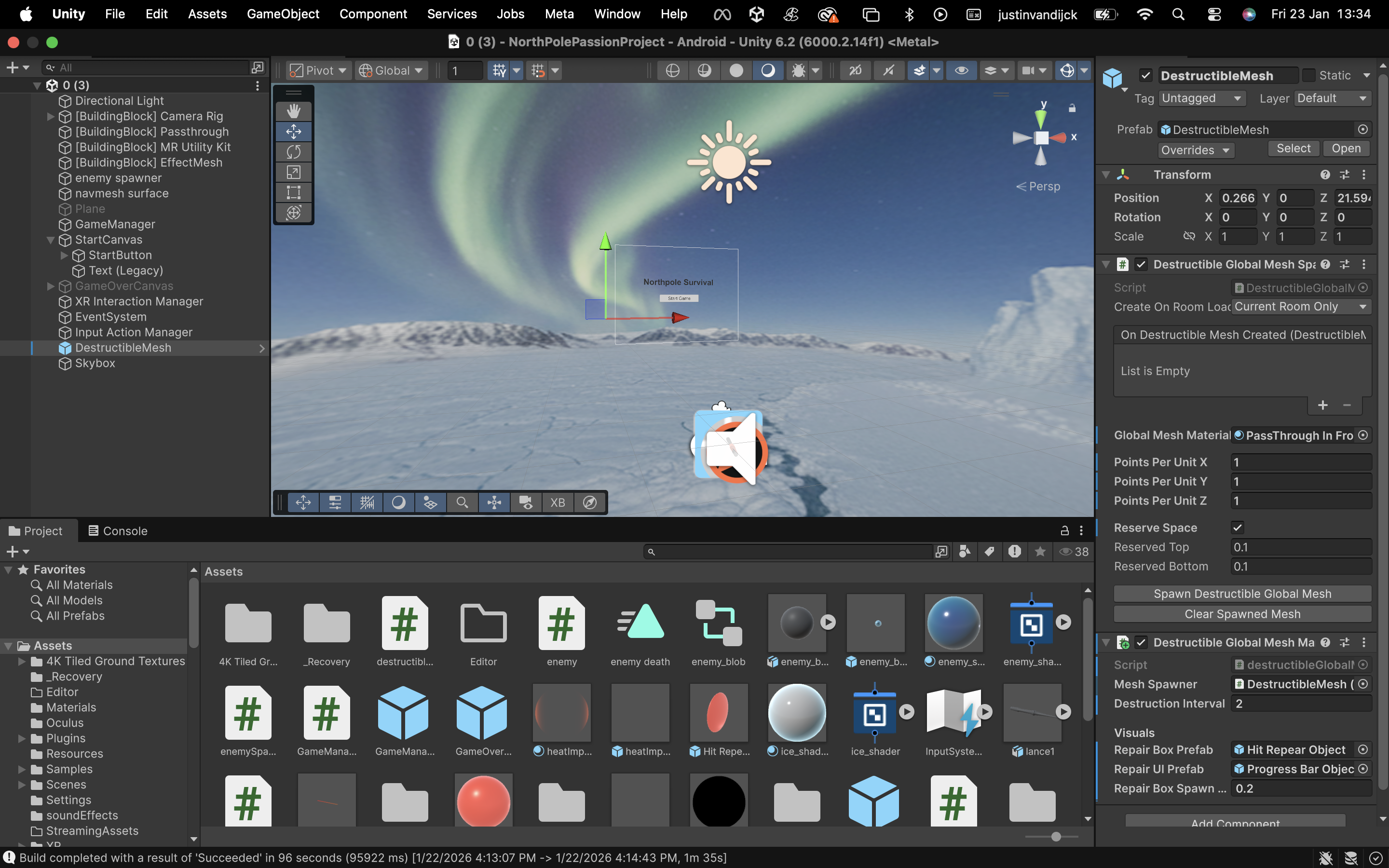
The game uses the Room Scan data (from the initial Mixed Reality setup) to understand where your real-world walls are. There’s a script that takes this mesh and segments it. the segmented parts get destroyed so that a hole appears in your wall.
The Effect: The wall disappears, creating a hole. The North Pole: Behind the walls, we placed a 360-degree Skybox of a snowy landscape. So when a wall breaks, it looks like your room is actually sitting in the middle of the North Pole.
2. The Repair Mechanic
Once a wall is broken, we needed a way to bring it back. I initially tried to make it so you could just shoot the broken wall pieces to fix them, but the collision detection was unreliable.
The Solution: We added a dedicated Repair Hitbox.
When a wall breaks, a specific object (a cube) spawns in the center of the hole. To repair the wall, you aim your Thermal Lance at this object and hold the trigger for 2 seconds. This object handles the collision and the progress bar. When the bar fills up, the object destroys itself, and the original wall mesh is turned back on.
Problem: Currently only the cube is visible, the progressbar is not, it might be clipped in the cube or behind the wall, i have no clue currently.
3. Result
This creates a simple loop:
A timer (every 4 seconds) makes a segment on the wall dissapear. A Repair Object appears in the hole. Player shoots the object for 2 seconds to fix the wall. It makes the room feel like part of the game rather than just a background.
4. Unity
5. Resources
https://www.youtube.com/watch?v=FepNBOXLo9Y